OpenZhenZhen AI プロンプトギャラリー · gpt-image-2.5 · image
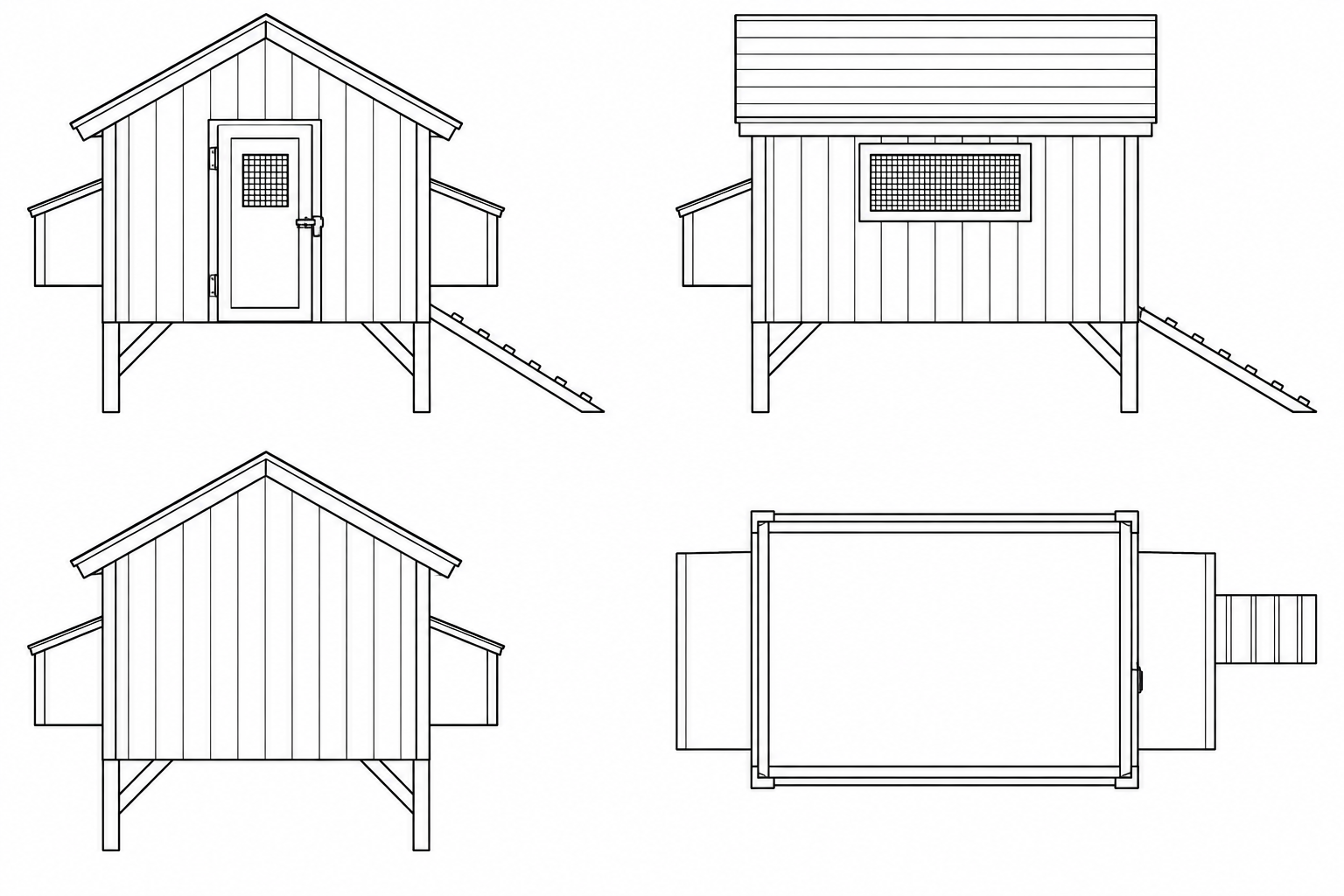
スケッチをCAD風の精密な線画に洗練
Sketch Refined into CAD-Style Precise Line Art
「スケッチをCAD風の精密な線画に洗練」は gpt-image-2.5 を使用した作品です。OpenZhenZhen で元のプロンプトと生成例を確認し、創作の参考にできます。
プロンプト
中国語プロンプト
使用用户上传的原始草图作为结构与内容依据,准确保留其主体、布局和关键轮廓。先将草图中可读的蓝色文字注释作为理解设计意图的辅助信息;最终图像中必须完全删除所有蓝色文字、蓝色笔迹和辅助线,不留下残影。 把粗略手绘整理成干净、精确、稳定的技术线稿,呈现CAD绘图般清晰的边缘和一致的几何关系。消除手绘抖动、重叠草线和含混轮廓;保留必要结构细节,并通过线宽层级表达结构主次,例如将山脊或主要外轮廓线加粗,次要细节线更细。线条平滑、连接准确、交点清楚,画面留白整洁。使用黑色或深灰色线条置于纯白背景,不添加阴影、彩色填充、材质渲染、标题、注释、尺寸标记、图例、徽标或水印。不要凭空添加草图中没有的对象,也不要改变原始设计的关键形状。
英語プロンプト
Use the user's uploaded original sketch as the structural and content reference. Preserve its subject, layout, and key contours accurately. First interpret any readable blue handwritten notes as guidance for understanding the design intent; then completely remove all blue text, blue marks, and guide lines from the final image, leaving no traces. Refine the rough drawing into clean, precise, stable technical line art with CAD-like crisp edges and consistent geometry. Eliminate hand wobble, overlapping construction strokes, and ambiguous contours. Retain necessary structural detail and use a deliberate line-weight hierarchy to show importance—for example, make ridgelines or principal outlines thicker and secondary detail lines finer. Keep strokes smooth, joins accurate, intersections clear, and negative space orderly. Use black or dark-gray lines on a plain white background. Add no shading, colored fills, material rendering, title, annotations, dimensions, legend, logo, or watermark. Do not invent objects absent from the sketch or alter its defining shapes.
画像・動画プロンプトをもっと見る · 画像を生成 · 動画を生成 · AI キャンバスで作成
関連作品
- 90年代クールトーン仙侠風 翡翠色漢服の人物像
「90年代クールトーン仙侠風 翡翠色漢服の人物像」は gpt-image-2.5 を使用した作品です。OpenZhenZhen で元のプロンプトと生成例を確認し、創作の参考にできます。
- 超精巧3Dコミック風スター收藏ポスター
「超精巧3Dコミック風スター收藏ポスター」は gpt-image-2.5 を使用した作品です。OpenZhenZhen で元のプロンプトと生成例を確認し、創作の参考にできます。
- レトロレーシングポスターのデザインプロンプト
「レトロレーシングポスターのデザインプロンプト」は gpt-image-2.5 を使用した作品です。OpenZhenZhen で元のプロンプトと生成例を確認し、創作の参考にできます。
- ちびキャラチャットスタンプ生成プロンプト
「ちびキャラチャットスタンプ生成プロンプト」は gpt-image-2.5 を使用した作品です。OpenZhenZhen で元のプロンプトと生成例を確認し、創作の参考にできます。
- 子ども向け科学百科ポスター ミツバチを知ろう
「子ども向け科学百科ポスター ミツバチを知ろう」は gpt-image-2.5 を使用した作品です。OpenZhenZhen で元のプロンプトと生成例を確認し、創作の参考にできます。
- ファッションカラーブロックコラージュポートレート写真
「ファッションカラーブロックコラージュポートレート写真」は gpt-image-2.5 を使用した作品です。OpenZhenZhen で元のプロンプトと生成例を確認し、創作の参考にできます。