OpenZhenZhen AI 프롬프트 갤러리 · gpt-image-2.5 · image
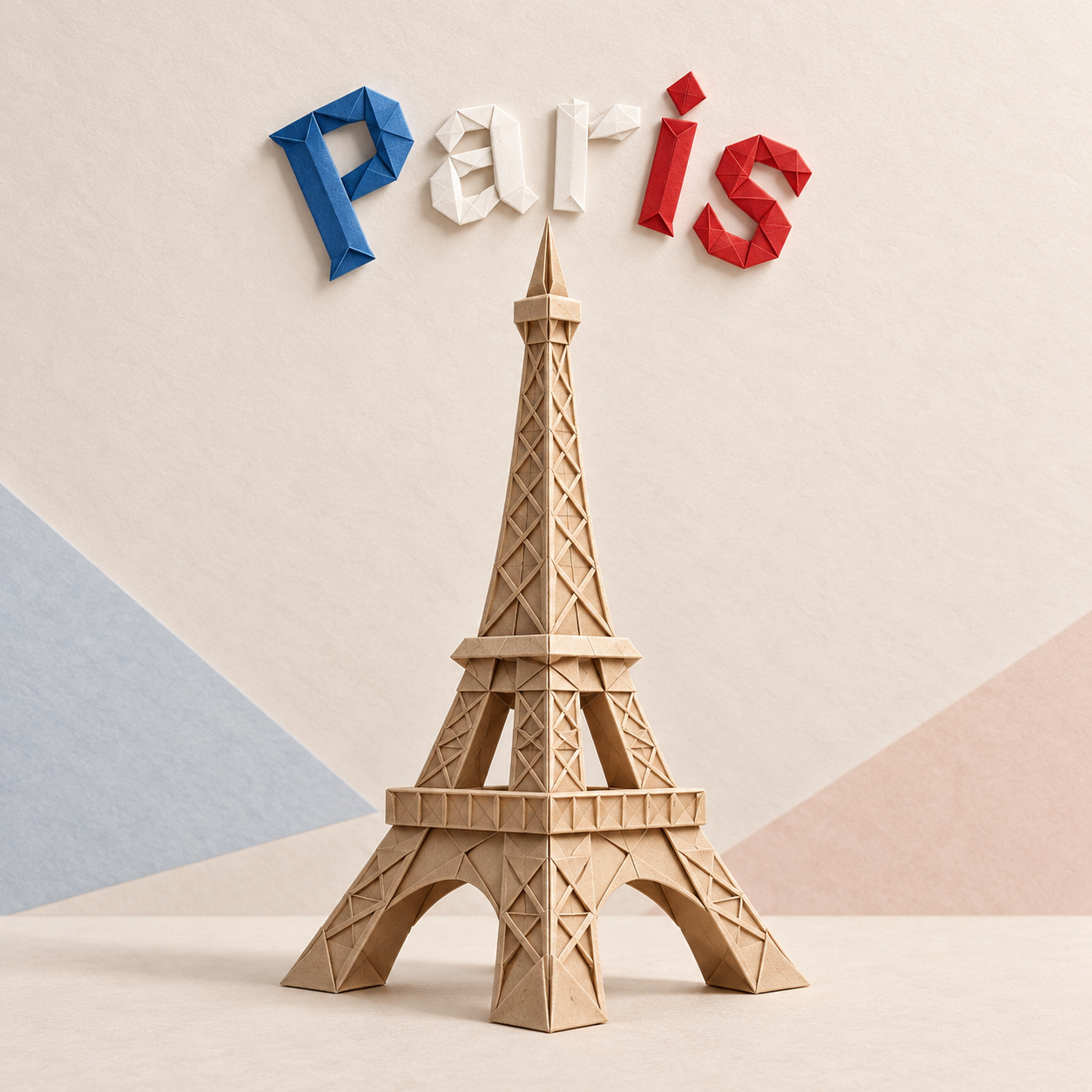
파리 에펠탑 종이접기 포스터
Paris Eiffel Tower Origami Poster
‘파리 에펠탑 종이접기 포스터’은(는) gpt-image-2.5로 만든 작품입니다. OpenZhenZhen에서 원본 프롬프트와 생성 예시를 살펴보고 새로운 창작에 활용해 보세요.
프롬프트
중국어 프롬프트
创作一张正方形1:1、干净且具有手作质感的数码照片,画面中央是一座精巧的埃菲尔铁塔折纸模型。使用带纹理的彩纸折出准确的几何平面、细腻折痕和稳固的雕塑轮廓,使地标清晰可辨。在模型上方,用醒目的折纸风格字母准确拼写城市名“Paris”,字母由蓝、白、红三色纸张折成,并优雅地排列成浅弧形。地标应大于文字,二者均完整置于充足留白之内。背景采用柔和、简约的浅粉彩或暖中性色调,带细微纸纹,并仅加入少量安静的抽象几何细节。柔和漫射的影棚灯光为每道折痕投下自然的方向性阴影,呈现立体深度与清晰利落的手工边缘。保持视觉和谐、纸张材质真实、城市文字清晰易读。不得出现人物、其他地标、额外文字、旗帜、标志或水印。
영어 프롬프트
Create a square 1:1 clean handcrafted-style digital photograph of an intricate paper origami model of the Eiffel Tower, centered in the frame. Fold it from textured colored paper with precise geometric planes, delicate creases and a stable sculptural silhouette that clearly identifies the landmark. Above it, spell the exact city name “Paris” in bold folded-paper origami letters, arranged in a graceful shallow arch and using the country's national palette French tricolor: blue, white and red. Keep the landmark larger than the lettering and both fully inside generous margins. Use a soft minimal light-pastel or warm-neutral background with subtle paper grain and only a few quiet abstract geometric details. Soft diffused studio light casts natural directional shadows into each fold, revealing depth and crisp handcrafted edges. Maintain visual harmony, realistic paper material and clear readable city lettering. No people, extra landmarks, additional words, flags, logos or watermark.
더 많은 이미지·동영상 프롬프트 보기 · 이미지 생성 · 동영상 생성 · AI 캔버스에서 만들기