OpenZhenZhen AI 프롬프트 갤러리 · gpt-image-2.5 · image
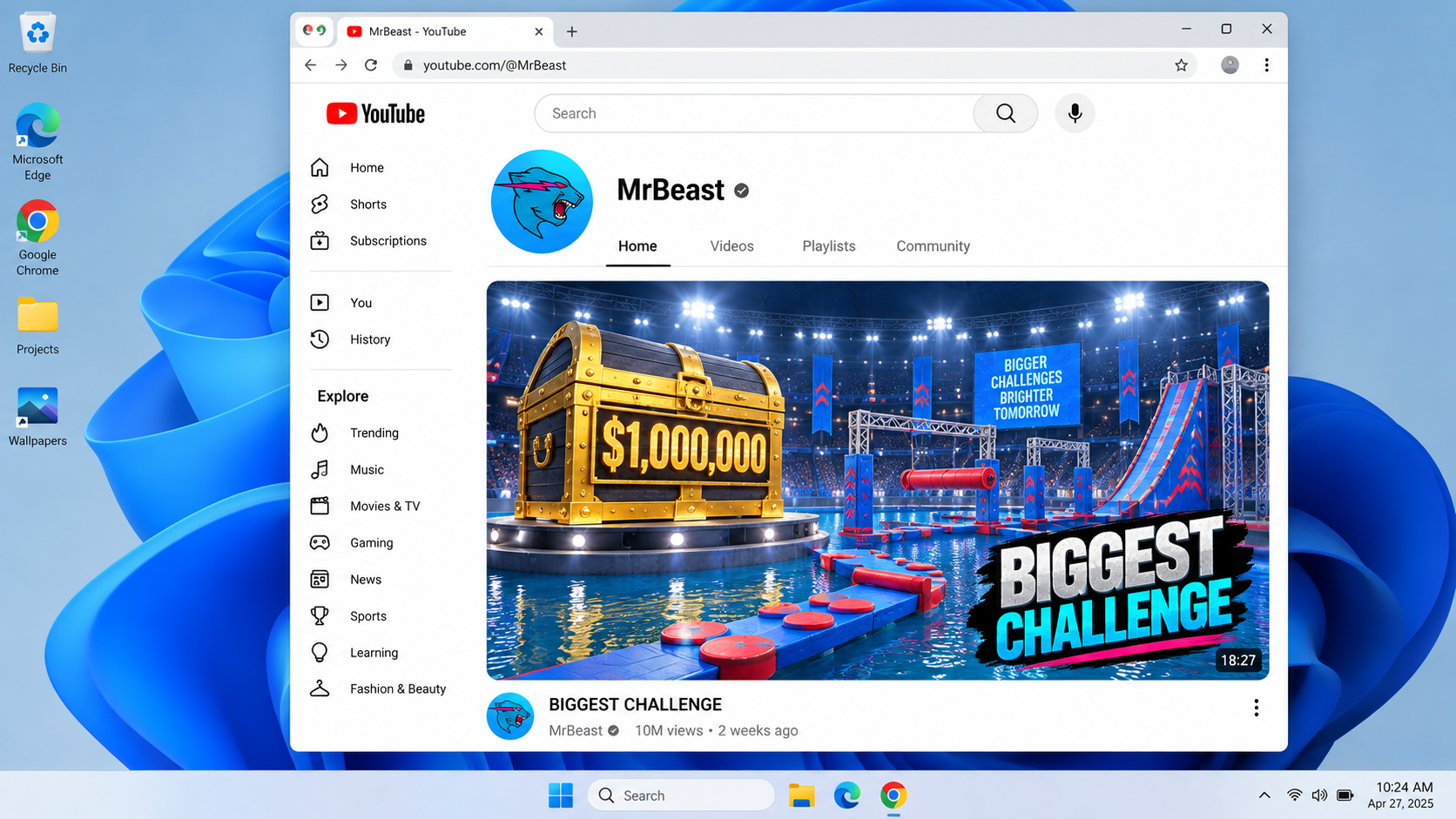
Windows 11 데스크톱의 YouTube MrBeast 영상 페이지 콘셉트 아트
Concept art of a YouTube MrBeast video page on a Windows 11 desktop
‘Windows 11 데스크톱의 YouTube MrBeast 영상 페이지 콘셉트 아트’은(는) gpt-image-2.5로 만든 작품입니다. OpenZhenZhen에서 원본 프롬프트와 생성 예시를 살펴보고 새로운 창작에 활용해 보세요.
프롬프트
중국어 프롬프트
创作一幅精致且明确标注为虚构概念图的Windows 11桌面截图,不是真实屏幕捕获或实时网页。展示现代Windows 11桌面,任务栏清晰可见,前景打开一个Google Chrome窗口。Chrome窗口中呈现YouTube风格页面,包含YouTube名称/标志、易辨认的导航与搜索布局,以及频道名称"MrBeast"。突出一张鲜明的大型创作者视频缩略图,采用仅由物件与场景构成的高能挑战画面:明亮竞技场、超大礼物箱和色彩丰富的障碍赛道;不描绘MrBeast或其他人物/角色。添加简短通用标题,例如"BIGGEST CHALLENGE",但不要声称它是真实的当前视频。界面保持简洁易读,窗口边框、图标和桌面缩放比例协调一致。所有页面内容都必须看起来是虚构示意,不暗示实时数据、真实账户截屏、当前浏览器状态或官方背书。不出现个人信息、账户详情、通知、其他人物、水印或误导性系统警报。
영어 프롬프트
Create a polished, clearly fictional concept mockup of a Windows 11 desktop screenshot, not a real screen capture or live webpage. Show a modern Windows 11 desktop with a visible taskbar and a single Google Chrome window in the foreground. The Chrome window displays a YouTube-style page with the YouTube name/logo, a recognizable navigation/search layout and the channel name "MrBeast". Feature one large, vivid creator-video thumbnail with high-energy challenge imagery made from objects and scenery only: a brightly lit arena, oversized prize chest and colorful obstacle course; do not depict MrBeast or any other person/character. Add a concise generic title such as "BIGGEST CHALLENGE" without claiming it is a real current video. Keep the interface clean and legible, with consistent window borders, icons and natural desktop scaling. Treat all page content as a fictional illustrative mockup; do not imply live data, an actual captured account, current browser state or official endorsement. No personal information, account details, notifications, extra people, watermark or misleading system alerts.
더 많은 이미지·동영상 프롬프트 보기 · 이미지 생성 · 동영상 생성 · AI 캔버스에서 만들기