OpenZhenZhen AI 提示词画廊 · Claude Opus 5.5 · video
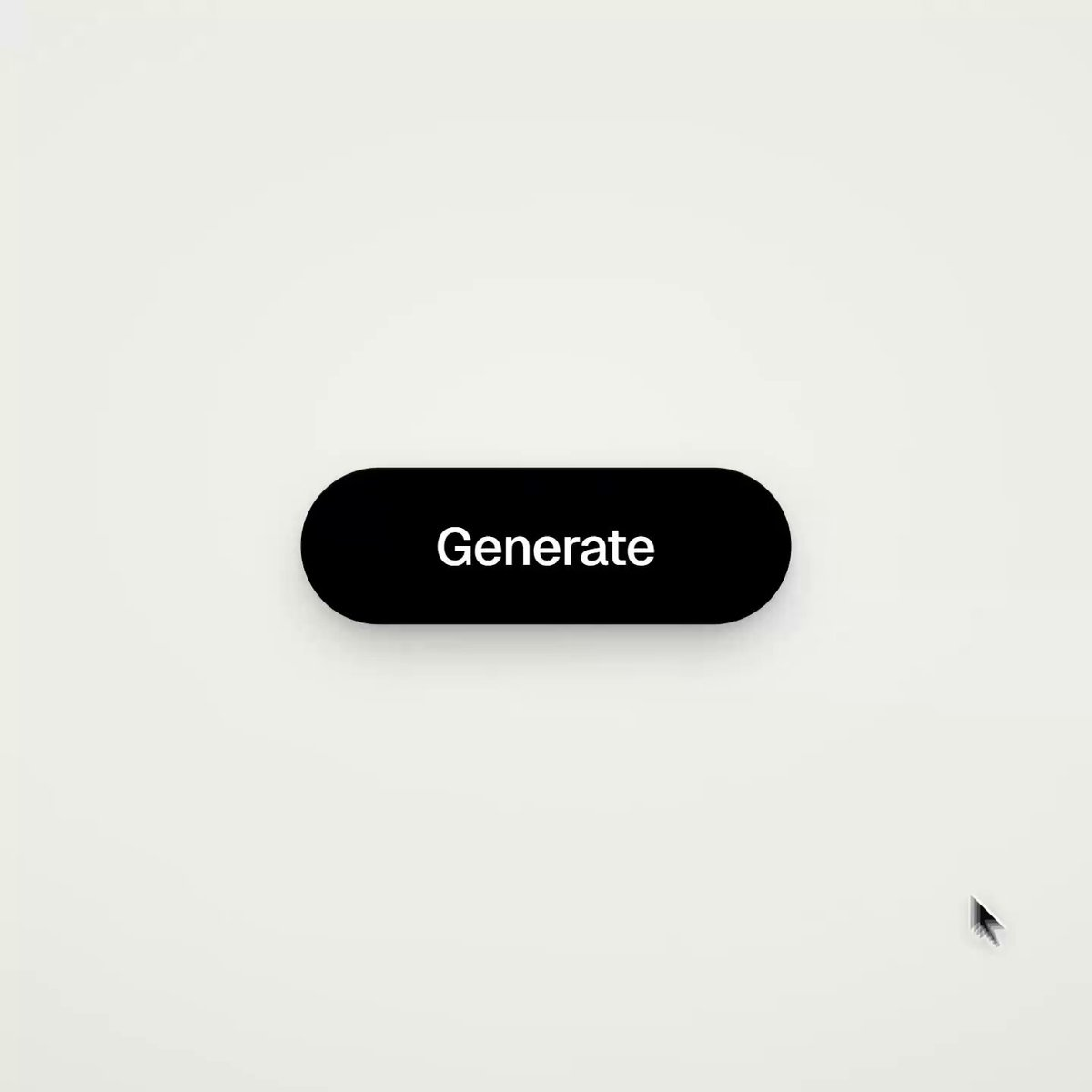
纯代码生成的UI动效展示
UI Motion Effects Generated Purely with Code
作者用 Opus 5.5 完全用代码生成了一段 UI 动效视频,没有使用 After Effects,并公开了用于制作该作品的完整可复用提示词模板。 原作需要参考素材;请自行准备图片、视频、音频、文档或代码库等输入。
提示词 / Prompt
English prompt
<inputs> Ask me for: 8 to 12 UI states the shape should turn into (e.g. button, loader, player, slider, toggle, tabs, chart, command palette, toast), a pure black-and-white palette or one accent color, and a royalty-free track around 120 BPM (e.g. from Mixkit, free for commercial use). </inputs> <direction> Dribbble-level UI motion. One shape, no cuts: each state is the same element changing size, radius and color, while its content swaps with a quick blur. A cursor triggers every change through actual clicks and drags. Use a light warm-gray canvas, black-and-white components and one clean UI font (Geist). Springs throughout, with only a slight overshoot. Zoom the camera so each state fills the frame. Match the final frame to the first for a seamless loop. Banned: bouncy easing, particle bursts, glows, gradients on UI chrome, inconsistent icon strokes, dead time, anything that feels like a template. </direction> <structure> 120 BPM, 7 bars, with an action on every beat. Button → loader → check → dynamic island → music player with a play/pause morph → scrub the progress bar → it turns into a volume slider that stretches when dragged past max → a toggle switches on the beat → its knob becomes a liquid tab indicator → the tabs expand into a chart that draws itself, with a tooltip on hover → it folds into ⌘K → type to filter → enter → toast → back to the button. </structure> <build> 1. One HTML file, square 1440x1440. Compute every style from time inside seek(t): no CSS transitions, timers or state carried between frames. 2. Use closed-form step responses for springs. If a value changes target multiple times, add one spring for each change so it remains a pure function of time. 3. Give the tab indicator’s two edges separate springs, letting the leading edge stretch ahead of the trailing one. Use the same approach for the toggle knob. 4. Make drags direct: while the cursor is held down, calculate the value from its position. On release, spring back from that position. 5. Analyze the song with numpy to find the beat grid and begin on a downbeat. Position each UI sound using its measured peak. 6. Render with Playwright: 4 subframes per frame, blended with ffmpeg tmix for motion blur at 60fps. 7. Render one frame per beat before the full render. Fix anything off-grid, cramped or difficult to read. </build> <gotchas> Don’t use will-change on anything the camera scales, or the text will look blurry. Text swapping inside a morphing container needs separate enter and exit timing to avoid overlap. Make the final frame identical to the first including cursor position and speed or the loop will stutter. </gotchas> <start> Ask me for the inputs, then show me the state list on the beat grid before writing any code. </start>
主题与风格
探索更多图片和视频提示词 · 生成图片 · 生成视频 · 在 AI 画布中创作
相关作品
- Teacher's Day tribute animation with handwriting effect
A video made for Teacher's Day using Claude Opus 5.5 for the model, Google AI Studio for voices, and Magnific for images and shapes.
- Google Apps Script themed video
原作者未提供提示词,可直接把视频发给 Claude Opus/Sonnet 5.5 或者以上版本作为参考视频,可直接生成同样风格。
- Unspecified video creation showcase
原作者未提供提示词,可直接把视频发给 Claude Opus/Sonnet 5.5 或者以上版本作为参考视频,可直接生成同样风格。
- Opus 5.5 animation quality demo
原作者未提供提示词,可直接把视频发给 Claude Opus/Sonnet 5.5 或者以上版本作为参考视频,可直接生成同样风格。
- Impressive AI demo reaction video
原作者未提供提示词,可直接把视频发给 Claude Opus/Sonnet 5.5 或者以上版本作为参考视频,可直接生成同样风格。
- Code-drawn animation pipeline demo
原作者未提供提示词,可直接把视频发给 Claude Opus/Sonnet 5.5 或者以上版本作为参考视频,可直接生成同样风格。