Thư viện prompt AI OpenZhenZhen · MiniMax H3 · video
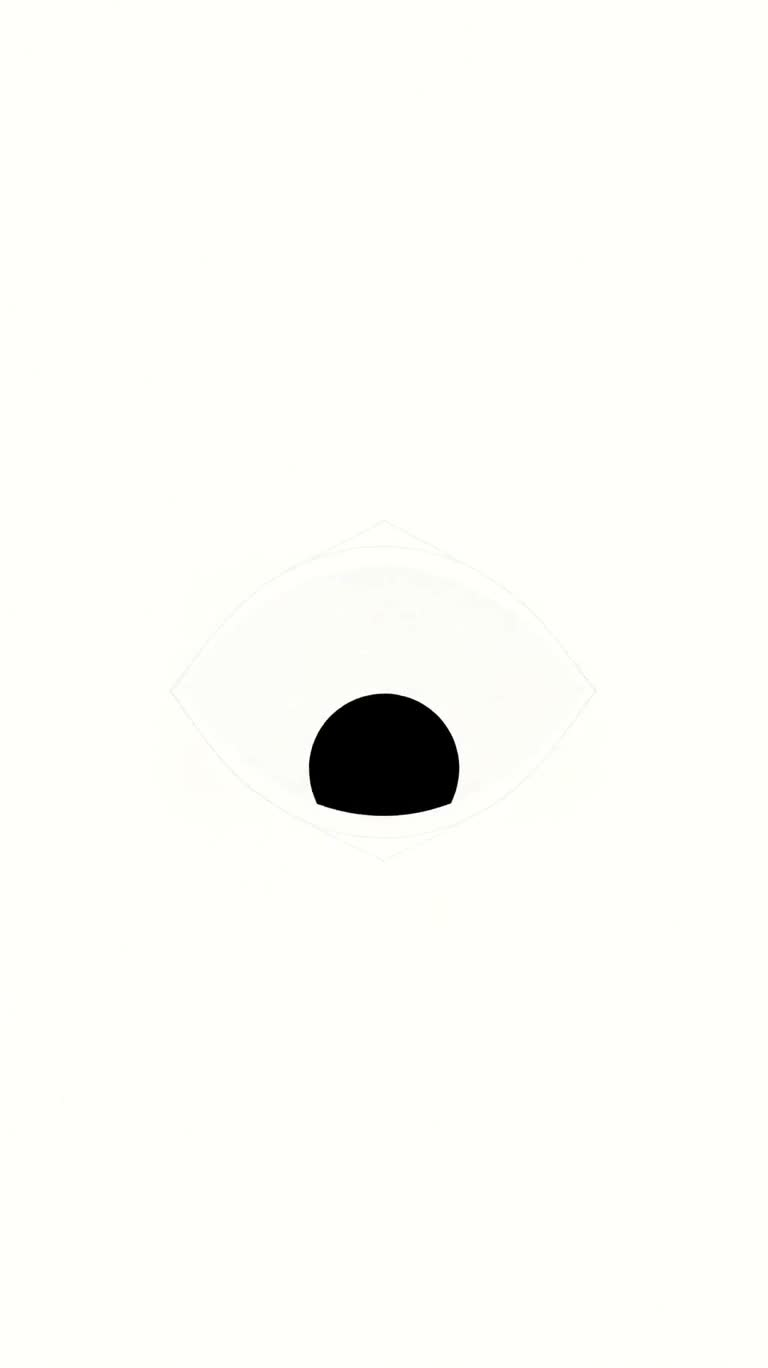
Hiệu ứng logo nhấp nháy
Blinking Logo Animation
Hiệu ứng logo nhấp nháy — khám phá tác phẩm được tạo bằng MiniMax H3 trên OpenZhenZhen, kèm prompt gốc và ví dụ tạo nội dung để tham khảo.
Prompt
Prompt tiếng Trung
制作一个15秒、9:16竖屏的精致标志动画,背景为干净的白色,构图始终居中且焦点清晰。0.0–2.5秒:白色眼球形状从画面中心快速扩张,如同虹膜张开;达到完整尺寸时,黑色瞳孔淡入,并带有细腻的液体弹出感,先从90%放大到110%,再回落至100%。2.5–5.5秒:让瞳孔以活泼、顺滑、流畅的动作先看向右上角,短暂停留,再看向左下角,最后自信地迅速回到中心。5.5–8.0秒:用干净且粗细一致的描边写入效果绘制鲜艳的粉色眼睛轮廓,从顶部尖端开始顺时针平滑描画,直到有机轮廓闭合。8.0–10.5秒:开始几乎察觉不到的缓慢推近。粉色轮廓从上下方向垂直挤压,在快速而有触感的眨眼中闭合覆盖瞳孔,随后立即重新睁开。10.5–12.5秒:推近结束,完整眼睛标志轻柔脉冲,从100%放大至105%再回到100%。同时,在标志下方显示“blinkeye”,以深灰或黑色的干净圆润无衬线字体呈现,并平滑淡入、向上滑入。12.5–15.0秒:保持标志和文字完美居中,最后一刻干净淡出至黑色。使用清晰的矢量感边缘、精准节奏、细腻缓动,不添加其他物体、纹理或声音。
Prompt tiếng Anh
Create a polished 15-second vertical 9:16 logo animation on a clean white background. Keep the composition centered and sharply focused. 0.0–2.5s: A white eyeball shape rapidly expands from the center like an opening iris; as it reaches full size, a black pupil fades in with a subtle liquid pop, scaling from 90% to 110% and settling at 100%. 2.5–5.5s: Animate the pupil with lively, smooth, fluid motion as it glances toward the top-right, pauses briefly, looks toward the bottom-left, then snaps confidently back to center. 5.5–8.0s: Draw a vibrant pink outline around the eye using a clean, consistent stroke write-on effect, starting at the top peak and tracing clockwise until the organic outline closes. 8.0–10.5s: Begin an almost imperceptible slow dolly zoom in. The pink outline squashes vertically from top and bottom to close over the pupil in a fast, tactile blink, then immediately reopens. 10.5–12.5s: Resolve the zoom and have the complete eye logo gently pulse from 100% to 105% and back to 100%. Simultaneously, reveal the word "blinkeye" beneath it with a smooth fade-in and upward slide, set in a clean rounded sans-serif font in dark gray or black. 12.5–15.0s: Hold the perfectly centered logo and text, then transition to black with a clean fade during the final moment. Use crisp vector-like edges, precise timing, subtle easing, and no extra objects, textures, or sound.
Chủ đề và phong cách
Xem thêm prompt hình ảnh và video · Tạo hình ảnh · Tạo video · Tạo trên canvas AI
Tác phẩm liên quan
- Cappuccino lơ lửng trong studio đen
Cappuccino lơ lửng trong studio đen — khám phá tác phẩm được tạo bằng MiniMax H3 trên OpenZhenZhen, kèm prompt gốc và ví dụ tạo nội dung để tham khảo.
- Kẻ rình rập trong nước tĩnh
Kẻ rình rập trong nước tĩnh — khám phá tác phẩm được tạo bằng MiniMax H3 trên OpenZhenZhen, kèm prompt gốc và ví dụ tạo nội dung để tham khảo.
- Hái anh đào
Hái anh đào — khám phá tác phẩm được tạo bằng MiniMax H3 trên OpenZhenZhen, kèm prompt gốc và ví dụ tạo nội dung để tham khảo.
- Kẻ rình rập trong rừng tảo bẹ
Kẻ rình rập trong rừng tảo bẹ — khám phá tác phẩm được tạo bằng MiniMax H3 trên OpenZhenZhen, kèm prompt gốc và ví dụ tạo nội dung để tham khảo.
- Cánh diều mắc trên ngọn cây
Cánh diều mắc trên ngọn cây — khám phá tác phẩm được tạo bằng MiniMax H3 trên OpenZhenZhen, kèm prompt gốc và ví dụ tạo nội dung để tham khảo.
- Ngọn nến tắt và làn khói
Ngọn nến tắt và làn khói — khám phá tác phẩm được tạo bằng MiniMax H3 trên OpenZhenZhen, kèm prompt gốc và ví dụ tạo nội dung để tham khảo.